From a monolith to NKS: rebuilding the stack in four layers
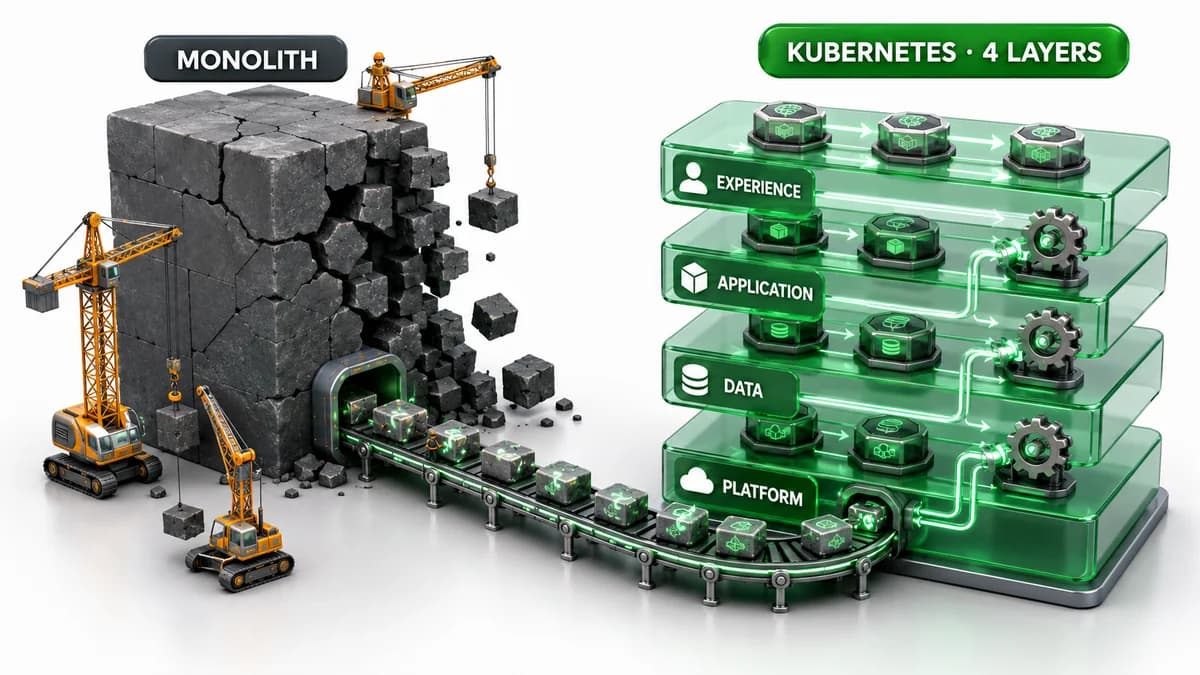
Aging systems share a symptom: small changes frighten you. To fix one line you redeploy the whole thing, and nobody is sure what else moves with it. Builds run inside an external SaaS console; deploys are stitched together by hand. This service was no different. It ran fine, but it was scary to change.
So the goal wasn't "make it faster." It was "make it changeable again." A full rewrite is high-risk and can't be paused midway. Instead we split the system into four layers — infrastructure, data, API, frontend — defined each as code, and rebuilt them on NKS.
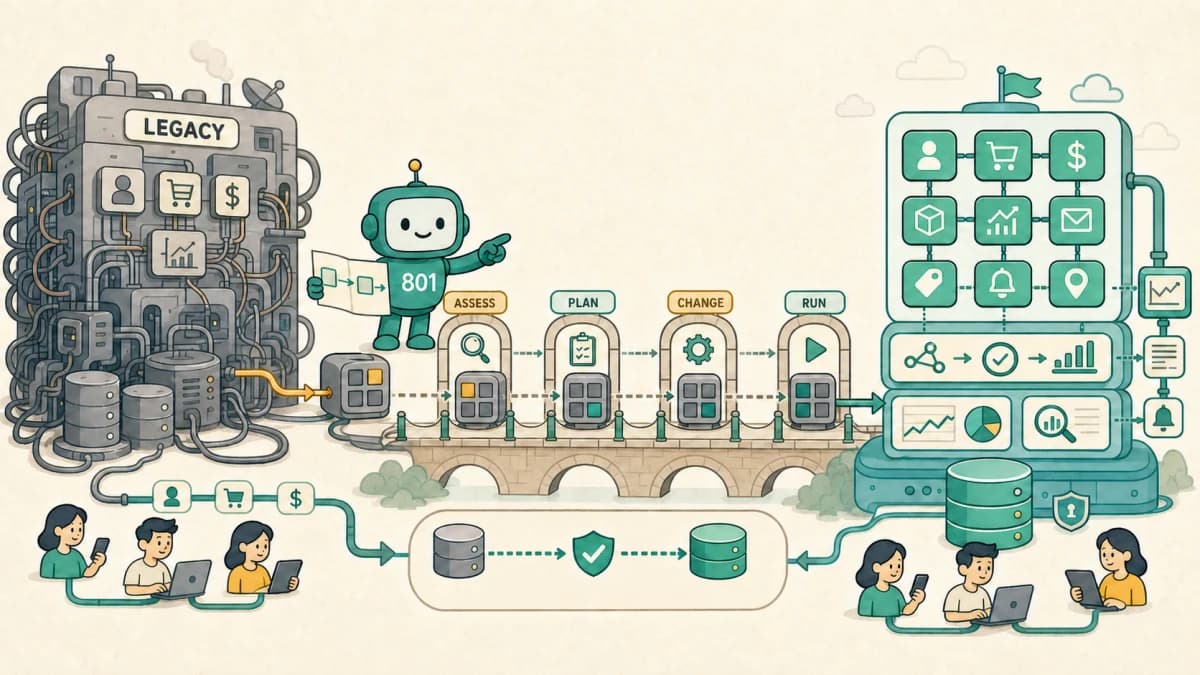
The assessment before this implementation — deciding what to retain, replatform, refactor, or rearchitect — is covered in Application modernization assessment and transition planning.
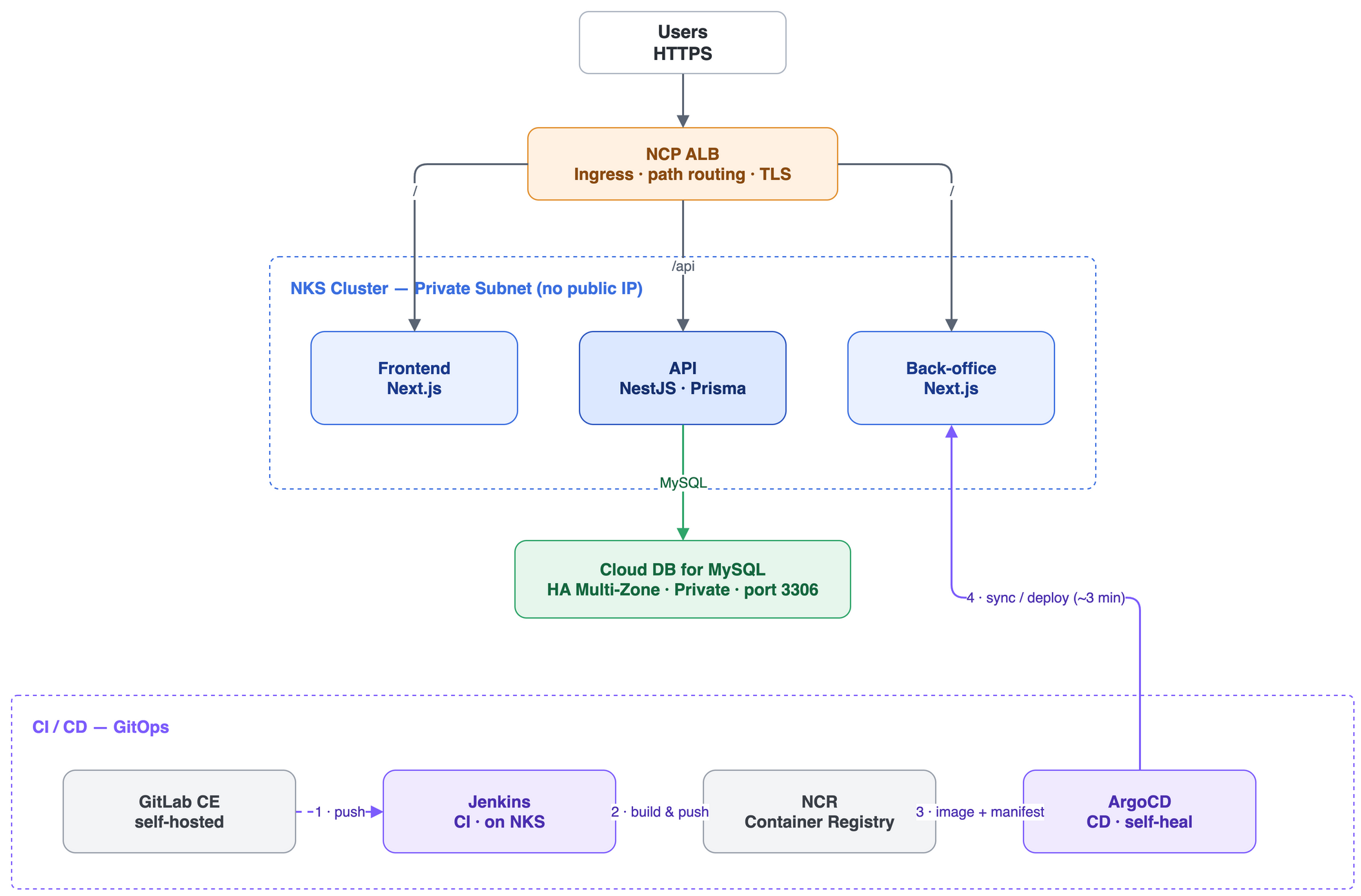
Not all at once — layer by layer
The most common modernization mistake is "let's rewrite it in something modern" and change everything at once. That turns into a bet you can't stop. We went the other way. Draw the boundaries first, peel off one layer at a time.
Frontend is what the user sees, the API is business logic, the DB is state, infrastructure is the floor the other three run on. Tangle those four responsibilities in one lump, and touching anything shakes everything. So the whole job came down to setting boundaries where each layer builds and deploys independently, and can die and come back on its own without taking the rest down.
Infrastructure: NKS as code
First, infrastructure moved from console clicks to code. Terraform declares the NKS cluster, networking, managed DB, and access control. The cluster runs Kubernetes 1.34, with worker nodes starting at four 8 vCPU / 16 GB machines.
Networking is secure by default. Every worker node sits in a Private Subnet with no public IP, so there is no direct inbound path through a worker's public address. In this architecture, user traffic enters through an Ingress behind the NCP ALB.1 Inside the VPC, subnets split by purpose — workers, load balancers, DB — and ACGs (security groups) narrow the traffic between them to the port level.
A single Ingress owns routing. Requests starting with /api go to the API service (8080); everything else goes to the frontend (3000). HTTP (80) auto-redirects to HTTPS (443). Those rules live in the manifest, so routing changes show up in a Git diff.
Adding CDN and TLS layers in front of the ALB changes where traffic can be observed and filtered. SNI, ECH, and CDN control points maps those boundaries.
Once infrastructure was code, environments became reproducible. "How was this stood up again?" no longer depends on someone's memory. terraform apply is the answer.
Data: pulled out as managed
The DB doesn't live in the cluster. We pulled it out into Cloud DB for MySQL on Naver Cloud, separating state from compute.2 Pods should be disposable, free to die and come back anytime; data must not be. Keeping the two off the same lifecycle is the starting point.
The production database uses HA Multi-Zone, placing the master and standby in different zones. Automatic failover is supported, but it can take several minutes, so application reconnection behavior must be tested as well.2 The development DB is a lighter standalone instance. The DB sits in a dedicated DB subnet, and an ACG opens port 3306 only inside the VPC. From outside, it is not exposed.
The API connects using credentials injected as environment variables. The schema is locked so the app can't change it on a whim: Prisma migrations make every schema change an explicit step, and no app quietly alters tables on startup.
Apps: rebuilt as containers
The API, the frontend, and a back-office for operations — three apps, each rebuilt as a container. Multi-stage Docker builds separate the build stage from the runtime stage, so the final image carries only what it needs to run. Every container runs as a non-root user.
For Kubernetes to judge an app's health correctly, the app has to report its state honestly. So we added readiness, liveness, and startup probes, and Kubernetes checks pod state through a health endpoint. Apps run at two replicas by default and scale out under load with HPA. Secrets go in as Secrets, config as ConfigMaps, with no settings baked into the image, so the same image boots in both development and production.
The API runs on Node with NestJS + Prisma. More than the framework choice, what matters is that each app now owns its Dockerfile and its deployment lifecycle.
Deployment, where Git is the truth
If a person pushes all these manifests with kubectl apply, we're back where we started: who changed what, when, scatters. So deployment moved to ArgoCD GitOps.3 A Git repository defines the cluster's desired state, and ArgoCD continuously reconciles the actual state to it.
Kustomize base / overlays handle environment differences.4 Shared definitions live in base; each overlay patches only the deltas between dev and prod (namespace, domain, image tag, profile). Because both environments branch from the same base, "it worked in dev but not in prod" shrinks.
Automated sync runs with self-heal and prune on. If someone changes the cluster by hand and drifts from Git, ArgoCD pulls it back to the Git state. Drift self-heals. The truth of the cluster lives in Git, not in the cluster.
Bringing CI in-house
The other half was CI. Source used to live in an external SaaS and builds ran inside a GUI console, so control sat outside our hands. We brought it in with self-hosted GitLab CE and Jenkins on NKS via Helm.5 Source and builds now run inside our own network.
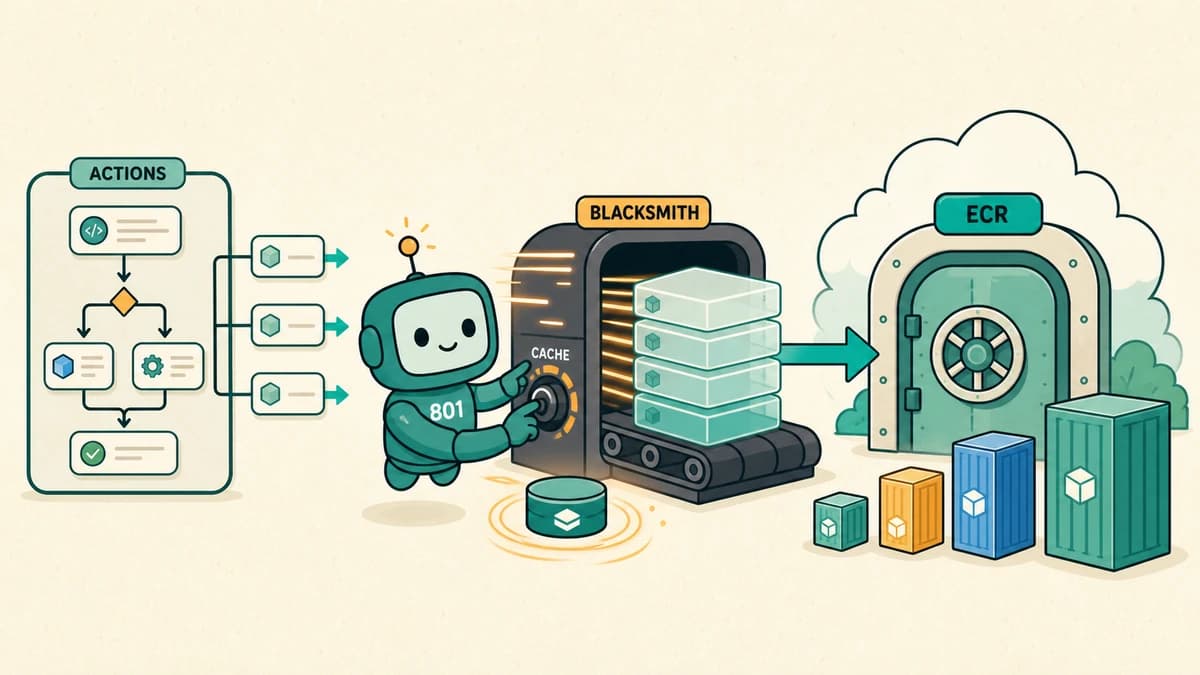
For our own applications where GitHub is the source of truth, we took the opposite route and moved the GitHub Actions execution layer to Blacksmith instead of operating runners. We choose the CI tool to match the source repository and network boundary rather than standardizing on one product.
The flow is simple. Push to main → Jenkins webhook trigger → build the image → push to the NCR (Container Registry) → update the image tag in the GitOps repo's kustomization.yaml to the new build → ArgoCD detects the change on roughly a 3-minute cycle and deploys automatically. The build number becomes the image tag, so tracking what's running never breaks.
One thing we deliberately left alone: CD stayed on ArgoCD. We brought only CI (source and build) in-house and kept the deployment mechanism. Not changing everything at once is how you move without stopping.
What changed
The biggest shift is that Git history became deployment history. What changed, when, and why all live in one place. Infrastructure rebuilds with terraform apply, apps boot from the same image with only the environment swapped, and self-heal reverts drift. The question "how is this running again?" moved from people's memory into a repository.
We left the honest limits in, too. The node pool is still a fixed four, with no node-level autoscaling yet; pod autoscaling (HPA) is the current scope. Terraform state management is still simple. Modernization isn't a job that finishes. It's the job of getting the system into a state where you can touch the next thing. What we bought wasn't speed. It was that room.
Browse more cases in Application Modernization. Delivery spans Application Modernization and Cloud & Infrastructure; the point is keeping the system changeable afterward.
References
Platform behavior and configuration above follow the official docs below; cluster, DB, and node specs are the actual values from one project.
Sources & notes5ExpandCollapse
Footnotes
-
Naver Cloud Platform, ALB Ingress Controller configuration. Ingress integration, routing, and TLS redirect settings. ↩
-
Naver Cloud Platform, Cloud DB for MySQL prerequisites. HA, standby master, automatic failover, and expected delay. ↩ ↩2
-
Argo CD, Automated Sync Policy. Automated sync, prune, and self-heal behavior. ↩
-
Kustomize — Kubernetes native configuration management. https://kubectl.docs.kubernetes.io/references/kustomize/ ↩
-
Jenkins — Installing Jenkins on Kubernetes. https://www.jenkins.io/doc/book/installing/kubernetes/ ↩